

Computer Training by Cookie Setton
Menu
  • Link IconLink IconLink Icon
  • Link IconLink IconLink Icon
  • Link IconLink IconLink Icon
  • External link opens in new tab or window

Excel

SBH Excel  November 29 - December 20. 2023  

Tracking Customer Data
Lesson 1 - External link opens in new tab or windowNovember 29, 2023
Review 1.1, 1.2 & 1.3

Recording Student Grades

Lesson 2 - External link opens in new tab or windowDecember 6, 2023


External link opens in new tab or windowFormulas, functions, references & more

Lesson 3 -External link opens in new tab or window External link opens in new tab or windowDecember 13, 2023


Sort & Filter, Charts, graphs & images, Organize large amount of data

Lesson 4 - External link opens in new tab or windowDecember 20, 2023


Link for External link opens in new tab or windowMac and PC Shortcuts

  1.    


Column

 1 -Tracking Customer Data


Create and modify a simple worksheet. Learn the basic tools used in Excel.

L E A R N I N G  O B J E C T I V E S

  •     Enter data into a worksheet
  •    Navigate a workbook
  •    Format a worksheet
  •    Apply number and date formats
  •    Enter a series of related data
  •    Print a worksheet
  •    Adjust the view with Zoom tools
Column

2 -Recording Student Grades


Work with multiple worksheets created to record student grades. Manage and organize worksheets to insert, delete,  hide data and make your data easier to find. Learn about using functions in your formulas and the difference between a relative and an absolute reference.

L E A R N I N G  O B J E C T I V E S

 ·         Rearrange data on a worksheet

  •      Manage multiple worksheets
  •      Use functions to perform calculations
  •     Use relative and absolute cell references in formulas
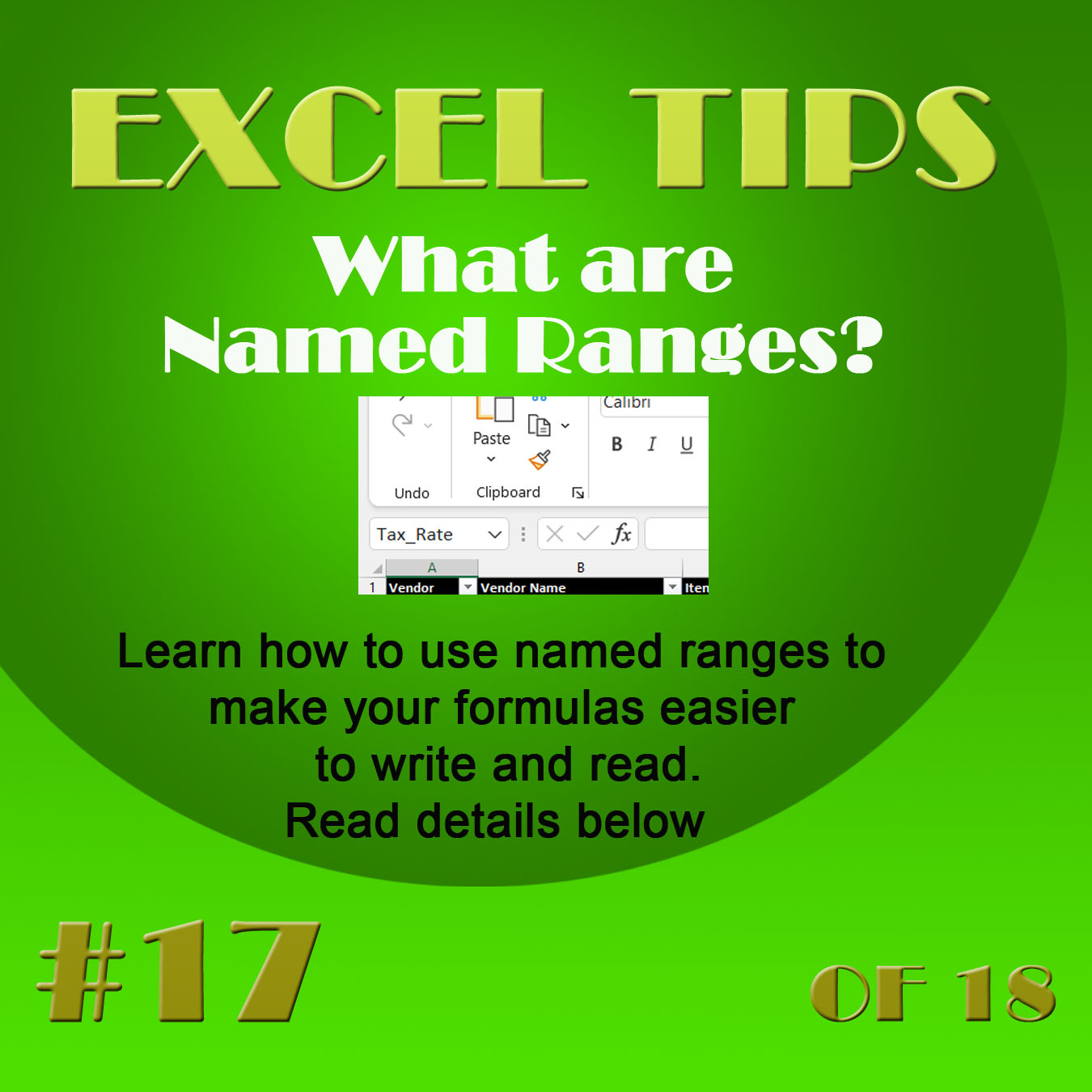
  •      Define names for cells and ranges


Column


3 -Data Visualization & Images


Create visually interesting worksheets. Understand when to create charts, which chart types to use, and how they are useful in understanding relationships between numbers in a worksheet. You will also learn about formatting data based on desired conditions and inserting pictures and shapes.

LEARNING OBJECTIVES

·         Insert charts

·         Use chart tools to modify charts

·         Move and size charts

·         Edit chart data

·         Add images to a worksheet

·         Apply conditional formatting

Intermediate  1  - Organize large Amounts of Data

 Learn about managing large amounts of data and how to utilize different sources of data. You will learn some of the more advanced Excel tools used for organizing data, performing calculations, and restricting data entry.
L E A R N I N G  O B J E C T I V E S 
  • Start a workbook from a template  
  • Import and export data  
  • Change worksheet view options  
  • Sort and filter data  
  • Create IF functions  
  • Apply data validation rules  
  • Use the Scale to Fit options  
  • Create and modify tables
 2- Advanced Workbook Formatting

 Work with various tools to customize your workbook. Learn about ways to set up and adjust your worksheet to look consistent, professional and presentable as well as track  information.
LEARNING OBJECTIVES
  • Apply and customize themes
  • Create and use cell stles
  • Apply  cell borders and fill
  • Custom number formats
  • Customize the page setup
  • Use Zoom tools
  • Edit document properties

3 - VLookup Functions and outlines

 Explore functions used to find data, either from a large database or a small lookup table. Learn the Outline feature to group information or create subtotals.

L E A R N I N G  O B J E C T I V E S 

·        Create formulas using lookup functions

·        Outline feature

·        Create subtotals

·        Use the Quick Analysis tool

4 PivotTables and PivotCharts

 Learn how to summarize data using Pivot Tables and PivotCharts and work with the important tools need to create both PivotTables and PivotCharts

L E A R N I N G  O B J E C T I V E S 

·        Create PivotTables

·        Modify and format PivotTable

·        Insert slicer to filter a pivotable

  •  
Other lessons


There are many advantages to Google Sheets as it can be saved in the Google Drive, it can be shared with anyone you choose and can be edited by more than one user. There are still some advantages to the orignal version as it is generally more robust. Sheets offers Add-ons to accommodate this though I haven't tried them.Do you find yourself or your employees doing the same actions over and over again in your spreadsheets? I can create macros (a set of instructions) so that Excel can do that repetitive work for you. I have helped many companies over the years do just this. If you want to see your business run more efficientlyExternal link opens in new tab or window, please contact me. 

 Today virtually every business relies on Excel to organize data, calculate values, keep inventory tables, and use charts.


Cookie Setton, Brooklyn, NY 11229

  • External link opens in new tab or window9179684818
  • External link opens in new tab or windowcookiesetton@gmail.com
  • External link opens in new tab or windowLinkedIn
close lightbox